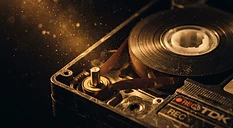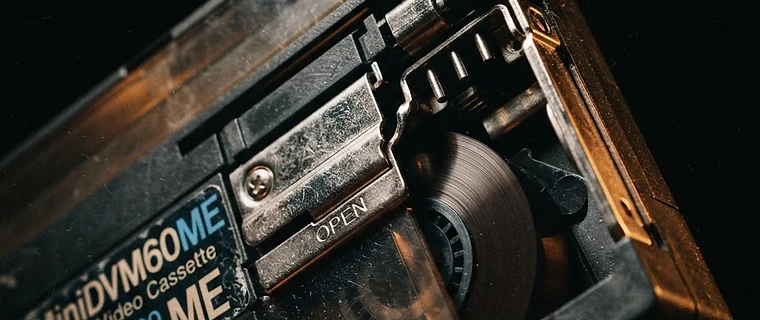
Mini DV was a remarkable format. Launched in the late 90s, it recorded video as a digital signal on a tiny cassette — the first consumer format where a "copy" could be a perfect, lossless clone of the original. The good news: that quality is still waiting on your tapes, and a proper transfer preserves all of it.
Why Mini DV Is Different
VHS and 8mm formats are analogue — the image quality depends on the physical condition of the tape and the heads reading it. Mini DV is digital: the video exists as ones and zeros written to magnetic tape. If you can read those bits, you get back exactly what was recorded, with no generation loss.
This means a Mini DV transfer isn't a "conversion" in the traditional sense. It's a data clone — and if done right, the resulting file is identical in quality to the original recording.
How the Transfer Works
Capture via FireWire (IEEE 1394)
The correct way to transfer Mini DV is over a FireWire connection directly from the camcorder or a compatible deck. This reads the digital stream straight off the tape and writes it to a file — no analogue-to-digital conversion, no quality loss.
Why capture cards are the wrong approach
Some services play Mini DV through a camcorder's analogue outputs and re-capture with a capture card. This converts a pristine digital signal to analogue and back to digital again — introducing noise, colour shift and sync issues. It defeats the entire point of the format.
Encoding to MP4
The raw DV stream is about 13 GB per hour. We encode to high-bitrate MP4 (H.264) or ProRes for editing, keeping maximum quality while making the files practical to store and share. The original DV data can also be archived alongside if you want a bit-perfect master.
Common Problems
Dropped frames
If tapes are dirty or the camcorder heads are worn, the digital stream drops frames — showing as blocky glitches or momentary freezes. We clean and condition tapes and use professional decks with clean heads to minimise this.
Timecode breaks
Mini DV records timecode as it shoots. If there are gaps (stopping and re-recording), the timecode resets, which can confuse automated capture. We handle timecode breaks manually to ensure every frame is captured.
Tape degradation
Yes, digital tapes degrade too. binder hydrolysis affects Mini DV, and once data is corrupted, it can't be recovered — digital formats don't degrade gracefully; they fail outright. The same urgency applies.
What You Get Back
For each Mini DV tape you send, you receive an MP4 file at full native resolution (720×576 for PAL) at high bitrate — visually indistinguishable from the original recording. Files are delivered via secure cloud download, and the originals returned by tracked post.
If you shot Mini DV, you invested in the best consumer format of its era. Don't throw that quality away with a cheap analogue capture.